One row. One day.
Circle + when you meet your habit goal, or − when you miss it. Leave unknown days blank.
Mark your daily habits. Add up each week. Learn why the routine matters, one lesson at a time.
20-page PDF · Free · No email required

Circle + when you meet your habit goal, or − when you miss it. Leave unknown days blank.
Keep the same eight habits in view. Total your marks and choose your next step.
Read a short lesson after every week, with links to the research behind it.
Your full calendar has seven daily rows per week, space for dates, and weekly + and − totals.
| Day | No alcohol | No cannabis | Movement | Sleep | Totals |
|---|---|---|---|---|---|
| Monday | +− | +− | +− | +− | + ____ − ____ |
| Tuesday | +− | +− | +− | +− | + ____ − ____ |
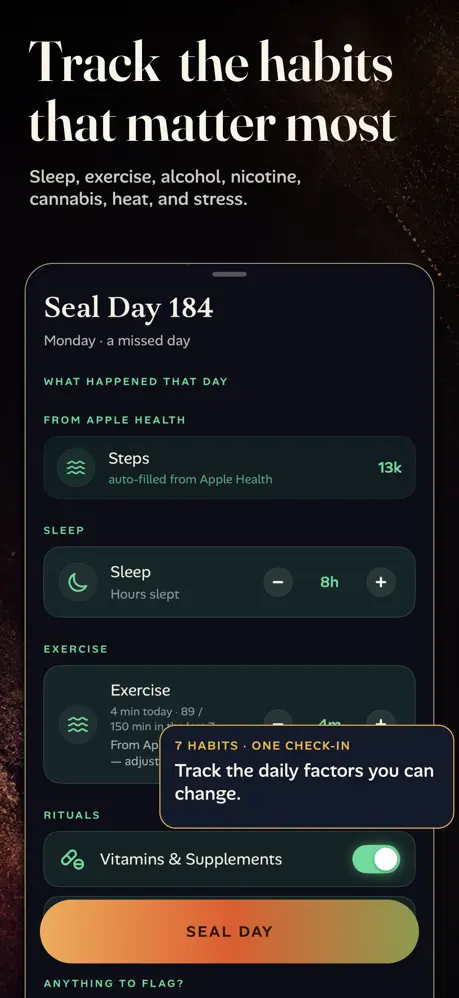
FirstBorn brings habit logging, reminders and a home-screen widget into one iPhone app. Follow your routine over 90 days, with no app account required.
See FirstBorn on the App StoreApp subscription required. US $39.99 for 3 months or $69.99 for 6 months. No free trial. Check your local App Store for current prices and terms.
The calendar’s 10:1 target measures how often you met your chosen habits. It does not measure sperm or decide whether you can conceive. The trying page explains the fertile window and when to get help.
The automatic calendar keeps marks in the current browser tab. Use its local save option to keep a copy; marks are not sent to FirstBorn.